Where to Find Your Documents
- Log in to Altruist: https://app.altruist.com/login
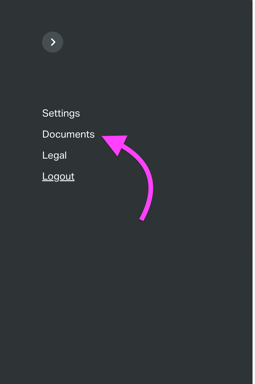
- Navigate to Documents: Once logged in, click on your initials icon in the top-right corner of the page.
- Click on the Documents Tab:
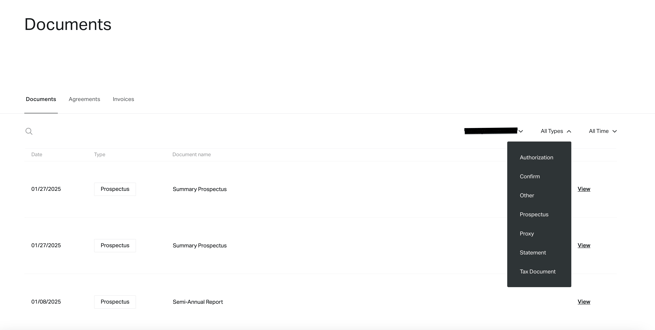
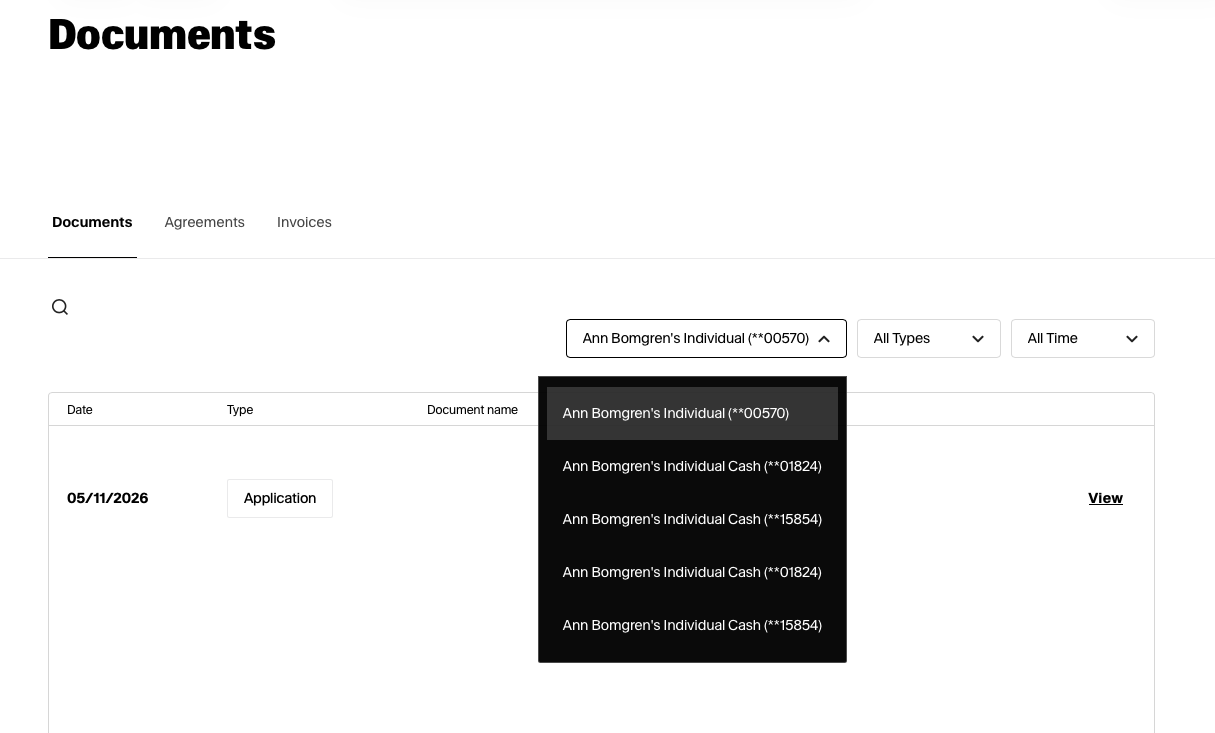
- [Optional] Use Documents Filter: In the Documents section, you can use the Documents Type filter to locate specific forms easily: